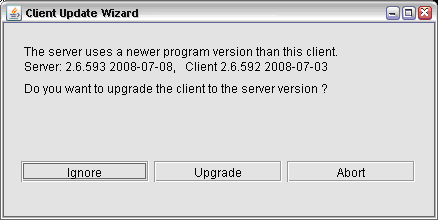
The sat-nms Client Software (version 2.6.591 and above) includes an automatic check for updates. After startup the client connects to the NMS server and compares the software versions. Client and server should always run the same version of the sat-nms software. The software update feature also supports a downgrade of the client software, e.g. if the server has been restored from a backup with an older software version.
Upgrade
If the NMS server is running a newer version of sat-nms you can upgrade the local client to this version.
Downgrade
If the NMS server is running an older version of sat-nms you can downgrade the local client to this version.
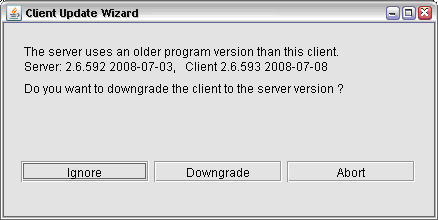
Download process
After pressing the upgrade or downgrade button, the software starts the download of the client program from the server to the local machine. With a LAN connection this takes only a few seconds, if you are connected through a dial up connection may take somewhat longer.
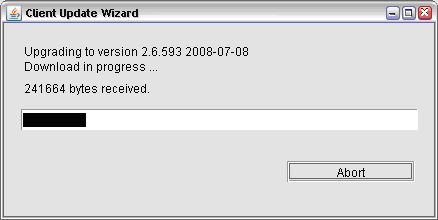
You may cancel the download at any time by clicking the 'Abort' button. After successfully downloading the software displays a message and after selecting OK the client program will be closed.
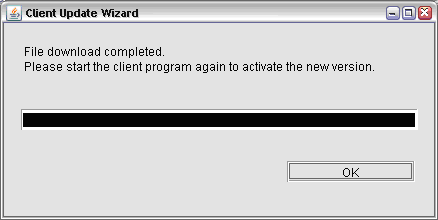
Now simply restart the client again as described in chapter 'start client' and you will work with the upgraded or downgraded version.