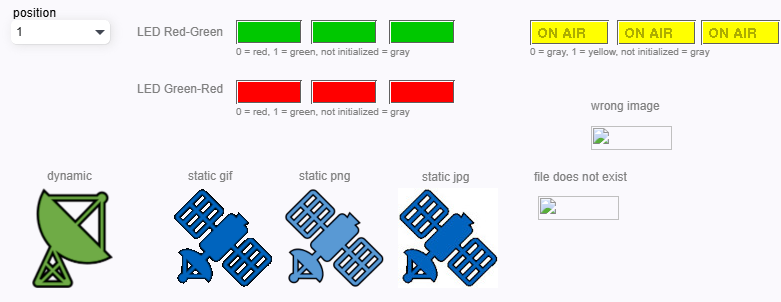
The icon element works as a dynamic non-interactive element and also as a static element. If message ID in the element properties configured, it will works like an static element type, otherwise it works like dynamic non-interactive element.
The images below shows static and dynamic icons.
Dynamic icons are bind with position parameter element.
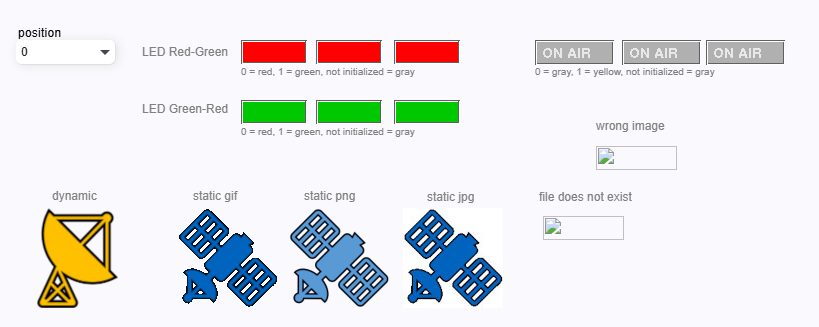
NOTE: Please be careful on selecting an icon with message ID. Wrong image heading in above image is better example of this. Some of the icons contain the name of 0, 1, on or off. For example in above page parameter value can be between 0 and 1. The icon will be changed to parameter value.