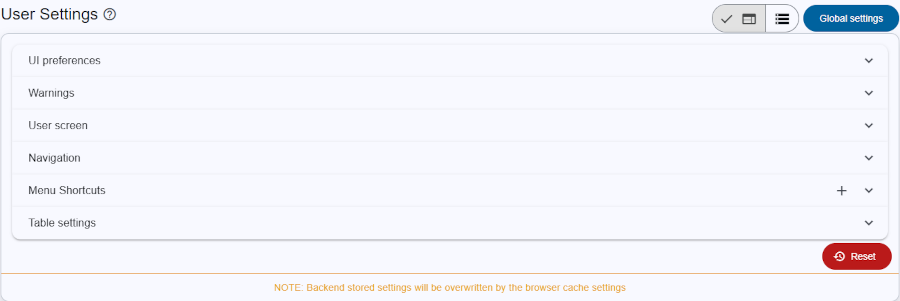
The User Settings page allows users to customize their experience and configure preferences. All changes made on this page are saved directly in the browser's storage or in the Database, ensuring personalized settings persist across sessions.
Title: Title of page.
Save mode: You can save your settings in the browser cache (default) or in the database. The database or default settings specified by the admin (unless the setting is locked) are overwritten if the user has saved settings in the browser cache. Global settings: Navigate to Global settings (admins only) Key features: Clicking on title will expand that section