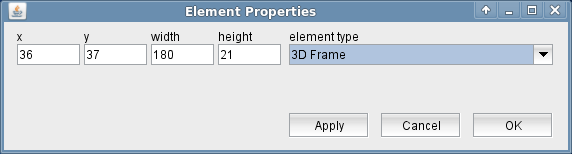
The 3D Frame display element draws a sunken 3D frame, which is intended to be used to group other elements.
Beside the position in the window there are no user configurable attributes to set.
Remarks
The 3D frame's inside area is transparent, it does not conceal the screen elements it encloses. In the screen editor, however the 3D frame grabs all mouse clicks, so you might not be able to mode the elements which are inside the frame. In this case move the 3D frame to the back by pressing  while the frame element is selected. The other elements are now "on top" of the frame element and may be addressed by the mouse independently.