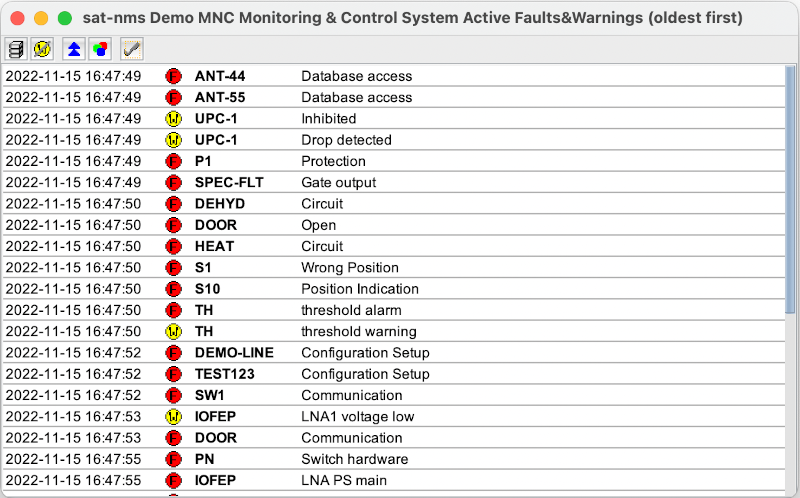
The Active Fault Windows lists all actually pending faults and warnings in the VLC / M&C. The window automatically updates its content as the faults appear or disappear.
The toolbar buttons of the window let you select how the window displays the list of active faults:
 |
If pressed, the faults are grouped by device name, if not they appear sorted by date. |
 |
If pressed, the window suppresses al warnings, shows faults only. If not, faults and warnings are displayed. |
 |
If pressed, newest events are shown on top. If not, oldest events are shown first. |
 |
If pressed, the background of each line gets colored red for faults, yellow for warnings. |
 |
Makes the "new fault" mark in the main window disappear and silences the beeper. |