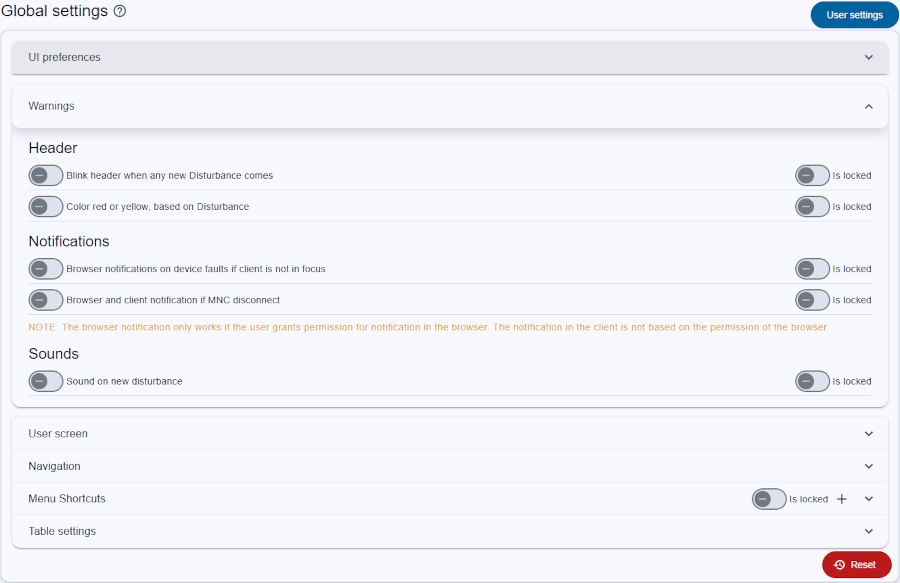
The Global Settings Page allows administrators to define and enforce default configurations across all users in the application. It shares the same structure and layout as the User settings, providing a familiar interface with the added ability to lock specific settings. Only users with administrative privileges can access this page.
Settings configured here act as defaults for users who haven’t explicitly saved their own preferences. Each setting includes a lock toggle. When a setting is locked, users cannot modify it in their personal settings, and the locked value is automatically applied by the application.