1.14.3.3.2 Dialogs
Import satellite position
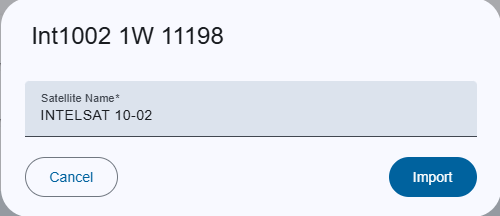
Trigger:
- when you click on the
 icon to import values
- The dialog title clearly indicates the name of "Satellite name" saved on ACU Target list
Fields:
- Satellite name: Select an satellite name from drop-down to which the data set should refer.
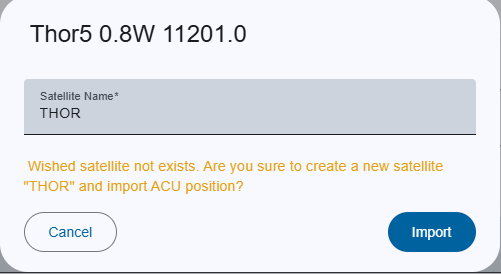
- Warnings:
If the specified satellite is not saved
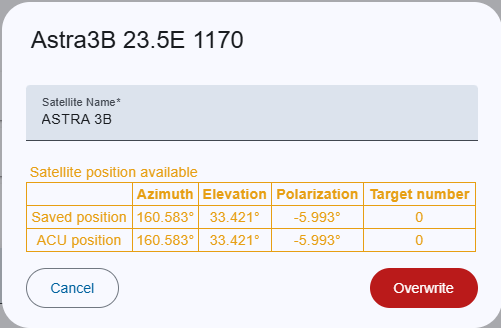
If the satellite position is exists, the values of both are displayed to show the difference.
Actions:
- Import/Overwrite:
- For new satellite or satellite position, this creates the satellite or satellite position with ACU-Target values.
- For existing position, this overwrites with ACU-Target values.
- If an error occurs in the input fields, the button is deactivated.
- Cancel: Closes the dialog without saving.