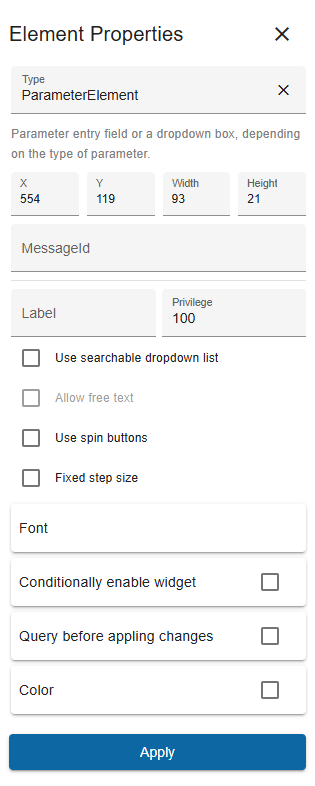
The window for the properties of a screen element is used to define the properties of a display element within the screen editor. The screen editor uses the same window with the element properties for all elements. If you click on another element in the editor window, the available properties of this element are loaded into the properties window, which may contain different fields/information depending on the type of screen element. The element properties for the general parameter element are shown below as an example:
Each element has the properties type, x, y, width and height.
NOTE: All sections like Font or Color are expandable sections. Just click on that section to expand or collapse.