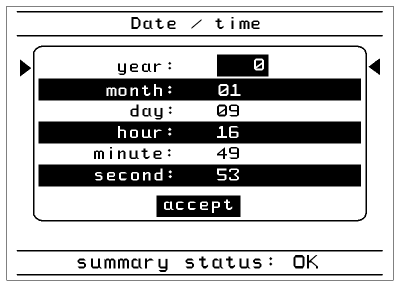
keys to the value that you want to change and press
  . Now you can type the desired value via the number-keys. Press to save the value or
  to abolish the setting. After setting all the values scroll with the keys down to 'accept' and press to save the values.