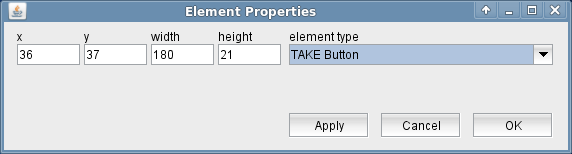
The TAKE Button display element places an TAKE button to the screen. It appears as a simple button with the label "TAKE" on it. The TAKE button complements the EDIT button described above in this document. It sends the changed parameter values to their destination when pressed. A detailed description of the EDIT / TAKE operating method for M&C screens is given at the EDIT Button chapter.