2.10.2 Dialogs
Open config: Opens a device window config page.
Configure traces
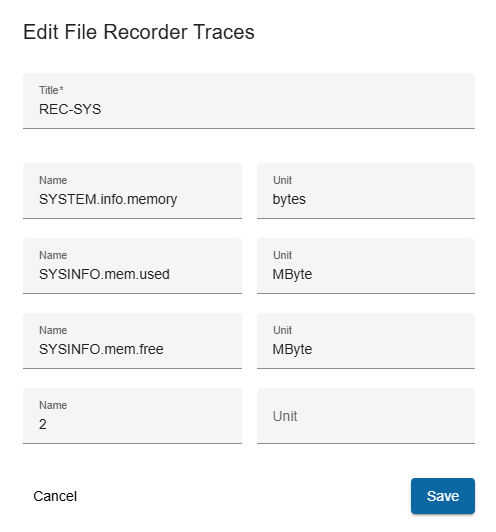
- Trigger: when you click on the Edit traces button.
- Fields:
- Title: The title of selected file-recorder device. NOTE: This is differ from device name.
- Name: Free text to set trace name.
- Unit: The unit of trace.
- Actions:
- Save:
- Saves modifications.
- If an error occurs in the input fields, the button is deactivated.
- Cancel: Closes the dialog without saving.