key.
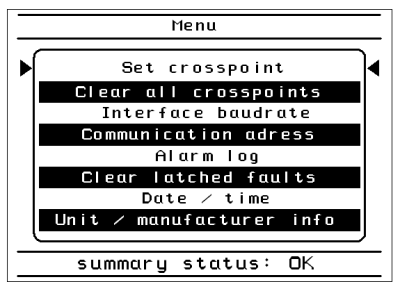
key.The menu lets you view and change the L-Band Switch Matrix settings. From the Connection display mode, you enter the menu by pressing the key.
To select a sub-menu, move the cursor with the  keys to the desired target. Press the key to enter the selected sub-menu.
To leave the menu, repeatedly press the  key until the Connection display screen appears again.
The menu structure is shown in the screenshot below: