 keys to move to the output, which source you want to change.
After entering this sub-menu it is possible to change the sources for the RF-Outputs. To change a source press one of the keys to move to the output, which source you want to change.
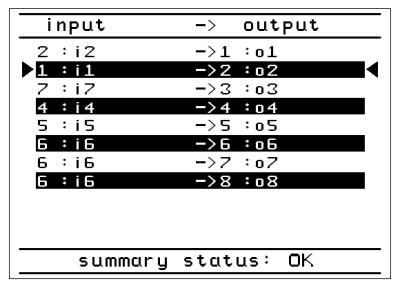
Then press  . Now you can select which input should be switched to the selected output
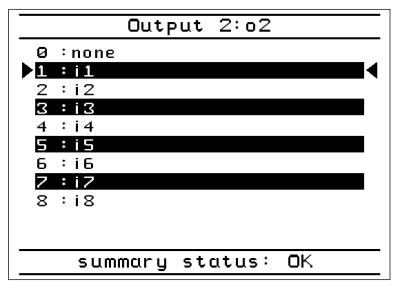
After choosing the input via the keys, press , for switching to the selected input, press  for laving the sub-menu without saving.